Enterprise organizations run on complex processes. Sales operations use Salesforce with custom objects and validation rules. Development teams work in Jira with intricate workflows and permission schemes. These systems rarely talk to each other out of the box. The result is manual handoffs, lost context, and delays that frustrate everyone involved.
At this scale, you need more than basic synchronization. Stability matters. Security matters. The tool must handle thousands of transactions daily without breaking. It should support compliance requirements and scale as you add teams. This list focuses on integration tools built for complex enterprise workflows, not quick fixes. We evaluated them on enterprise readiness, not just feature lists.
1. Peeklogic Connector
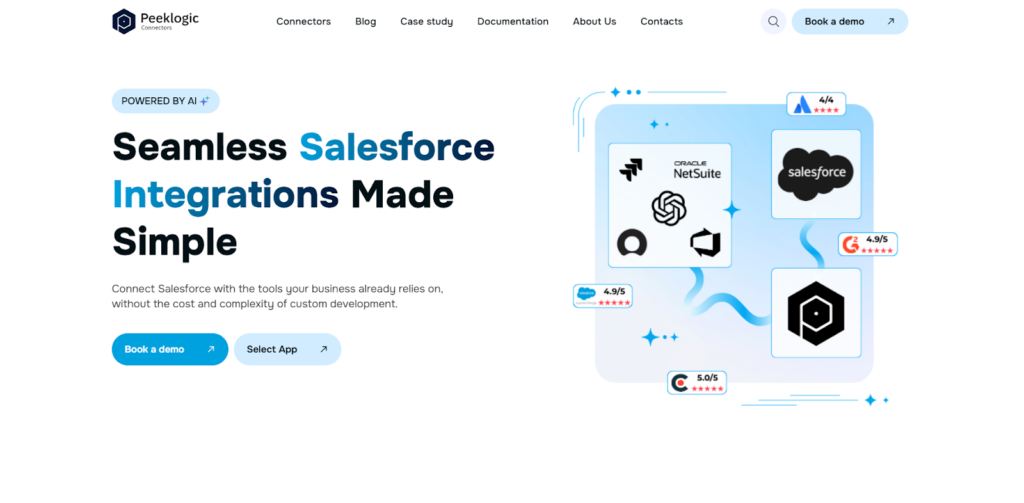
Peeklogic comes from a Salesforce consulting background, which means they understand enterprise complexity. Peeklogic Salesforce Jira Connector works as a solution that balances power with practicality. You get real-time sync without requiring your developers to maintain custom code. This matters when you have multiple teams needing access to synchronized data. The platform handles bi-directional updates between Salesforce objects and Jira issues, including custom fields and relationships. According to our analysts, it fits organizations that want enterprise-grade capabilities without the administrative overhead of script-based tools.
In large organizations, the tool synchronizes data across departments automatically. Sales sees development status without chasing engineers. Product managers get visibility into customer requests without exporting spreadsheets. The automation runs on Salesforce Flow and Apex actions behind the scenes, but business users configure it through a UI. You maintain control without writing code.
Functional Strengths in Enterprise Environments
The platform doesn’t overwhelm users with complexity, yet it covers the bases enterprises actually need. You’re not trading functionality for simplicity. In enterprise workflows, the platform focuses on several core capabilities:
- Real-time synchronization across multiple teams and departments;
- No code configuration supported by automation tools;
- Bi-directional updates between Salesforce objects and Jira issues;
- Customizable sync logic without deep technical setup;
- Compliance with GDPR, ISO, and HIPAA standards.
These features handle the majority of enterprise use cases. The compliance certifications matter for regulated industries. The no-code approach means you’re not dependent on specific developers who might leave.
Deployment Perspective
Even in large organizations with strict change control, deployment moves quickly. The connector installs through standard Salesforce channels. Configuration takes hours, not weeks. Your dev team approves it once, and business users handle the rest.
2. Appfire
Appfire operates as an enterprise ecosystem player. They’ve acquired numerous Atlassian-focused products over the years and built them into a unified platform. Their Salesforce integration reflects this heritage. It connects deeply with both Atlassian and Salesforce environments, supporting complex data structures and large volume transactions. If your organization already uses multiple Appfire tools, adding this one extends what you’re doing.
The platform handles enterprise scale well. It supports thousands of synchronized records daily without performance degradation. Security controls align with corporate standards. Access permissions map between systems appropriately. Implementation typically involves their professional services, which adds cost but ensures it’s done right.
Where Appfire Adds Value
The strength here isn’t in being the simplest tool. It’s a good fit within a broader ecosystem. Key advantages include:
- Deep integration with Atlassian and Salesforce environments;
- Support for complex data structures and mappings;
- Enterprise-grade security and access control;
- Scalable architecture for large data volumes;
- Integration within the broader Appfire product stack.
Appfire makes sense when you’re already invested in their ecosystem. If you’re starting fresh, it might be more tools than you need.
3. ServiceRocket
ServiceRocket takes a different approach. They’re primarily a services organization that implements and supports integrations, not just a software vendor. For enterprises with highly customized environments, this matters. Off-the-shelf connectors often break when your Salesforce instance has twenty years of customizations and technical debt. ServiceRocket sends in people who understand both platforms and can make things work.
They handle migrations from legacy systems. They train your teams. They provide ongoing support with SLAs. The technology they use is solid, but the value proposition revolves around having experts who deal with the mess so you don’t have to.
When a Service Model Makes More Sense
Some situations demand human involvement. According to our data, these scenarios benefit most from ServiceRocket’s approach:
- Migration from legacy systems;
- Highly customized Salesforce environments;
- Need for ongoing support and training;
- Strict SLA and compliance requirements.
If your integration is straightforward, you probably don’t need this level of service. If it’s a mess, paying for expertise might be the cheapest path.
4. Skyvia
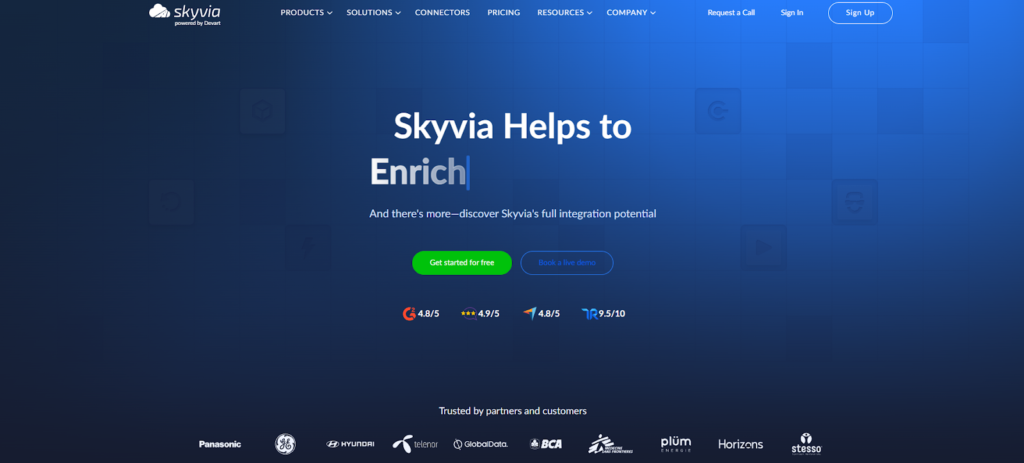
Skyvia positions itself as a data integration platform rather than a specialized Jira Salesforce tool. This broader focus matters for enterprises that need to connect many systems, not just these two. The platform supports ETL, ELT, and data replication across multiple business applications. You can schedule syncs, transform data during transfer, and manage everything through a no-code interface.
For Jira Salesforce integration specifically, Skyvia handles the basics well. It moves data in both directions, supports custom fields, and runs on schedules you define. The platform scales to enterprise data volumes without issues. Where it differs from specialized tools is in treating this as one integration among many, not the primary focus.
Data Integration Perspective
Skyvia appeals to organizations thinking about data architecture broadly. Key capabilities include:
- Cloud-based data integration platform;
- Support for ETL, ELT, and data replication;
- Integration across multiple business systems;
- Flexible scheduling and automation;
- No code interface for data workflows.
This isn’t the tool if you need deep Jira Salesforce workflow automation. It’s the tool if you need to move data reliably between many systems, including these two.
What Actually Matters in Enterprise Integration
Feature lists distract from what enterprises actually need. According to our analysts, the real requirements look different from what vendor marketing suggests. You need systems that keep running when you add users. You need control over what data moves where. You need to pass audits. The factors that actually drive success include:
- Scalability across multiple teams and departments;
- Control over data synchronization and mapping;
- Security and compliance requirements;
- Long-term maintainability;
- Integration with existing tech stack.
These determine whether an integration works in practice, not just in demos. A tool that fails on any of these won’t survive in enterprise environments.
Final Thoughts
Enterprise doesn’t automatically mean most complex. It means most stable, most secure, most maintainable. Peeklogic hits a balanced spot, enterprise-ready without requiring a team of developers. Appfire works when you’re deep in their ecosystem. ServiceRocket makes sense for messy environments needing human help. Skyvia fits broader data integration strategies. Choose based on your actual constraints, not what looks impressive on paper. According to our data, the best enterprise integration is the one you can still run confidently three years from now.